
Central monitoring
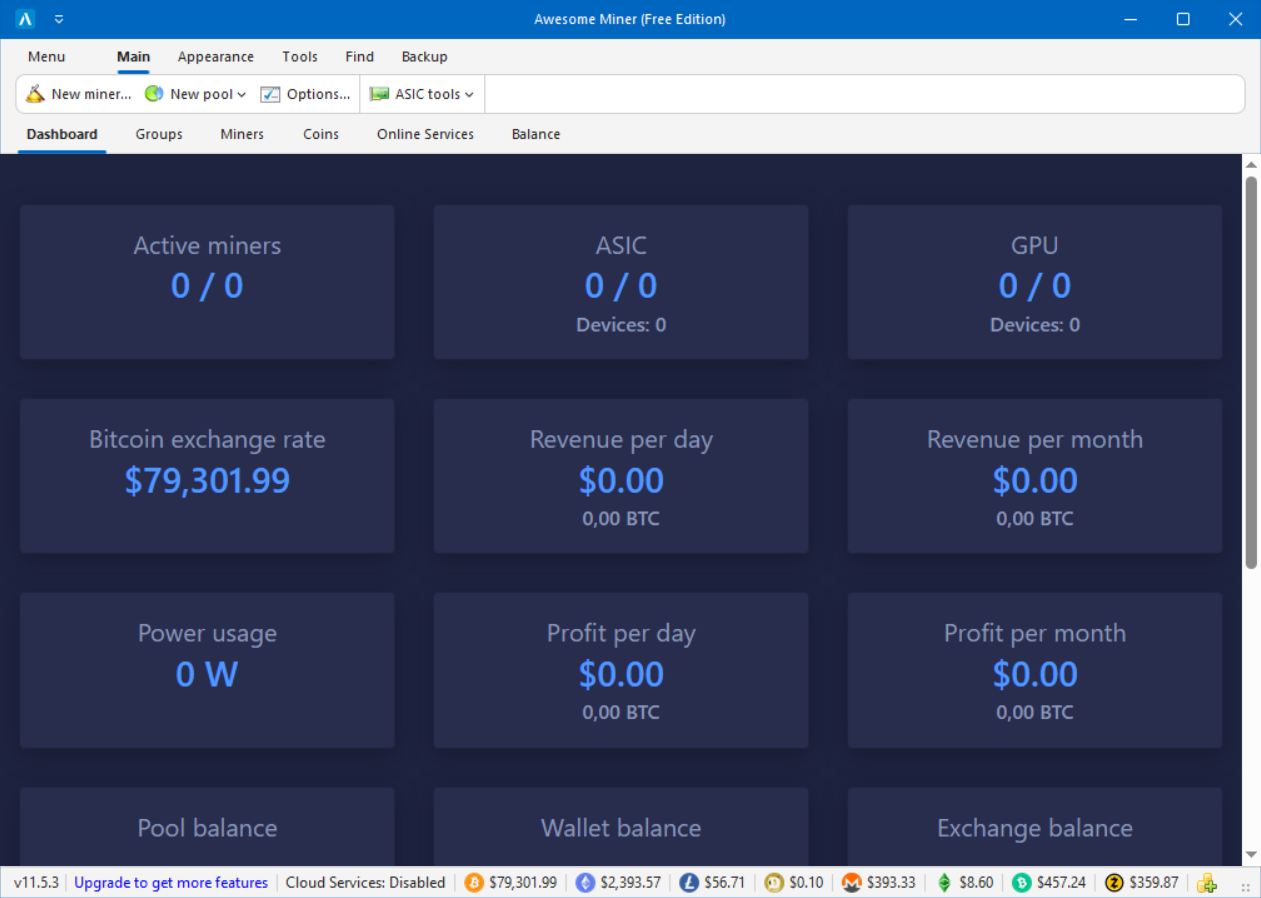
The dashboard combines ASIC, GPU, and CPU miner status in one view. Available readings include hashrate, temperature, power data, pool information, balances, and alerts, depending on the hardware and configured services.
Miner and group organization
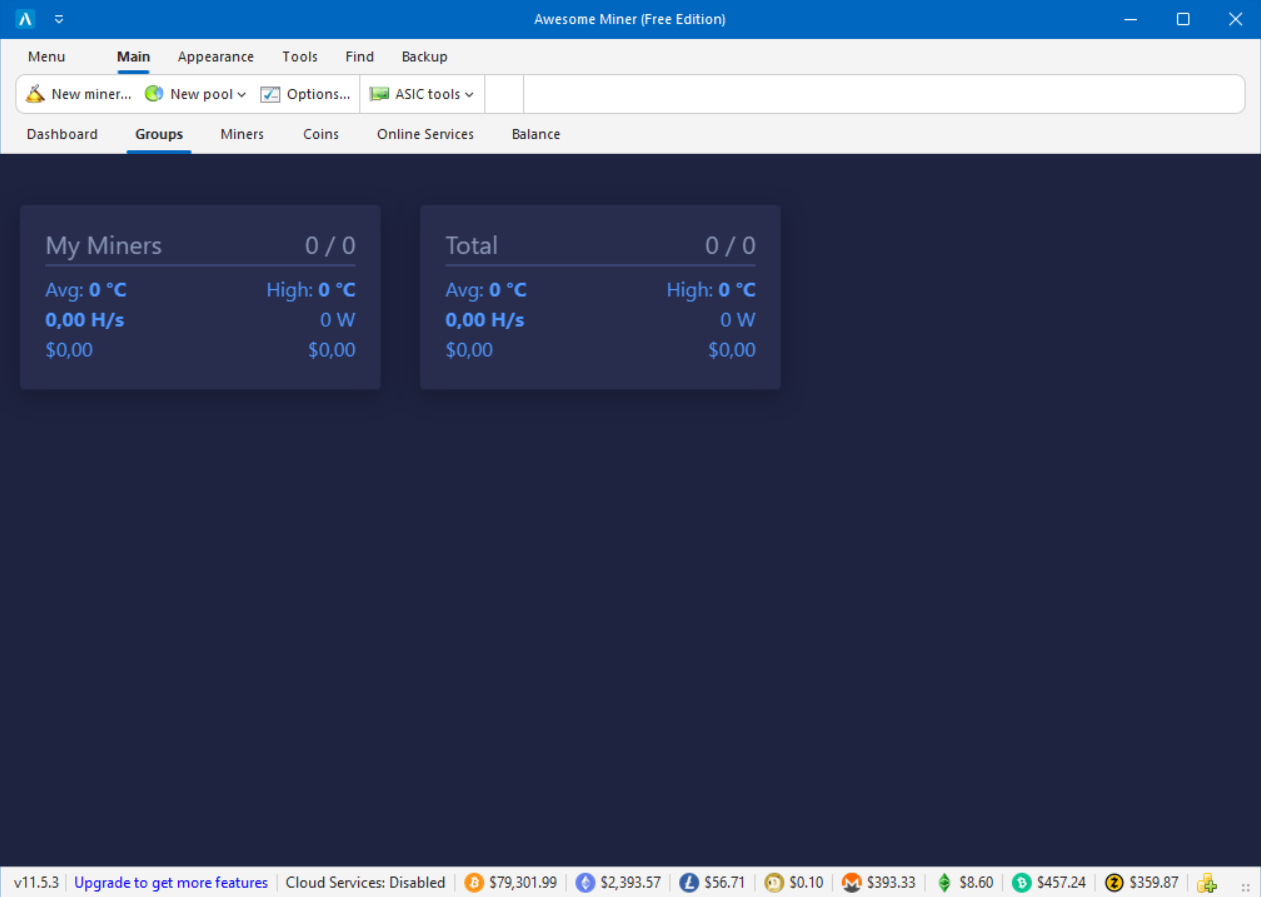
Miner groups can follow a site, room, customer, hardware family, or maintenance team. Groups make it easier to filter devices and apply supported actions to multiple miners.
Rules, alerts, and recovery
Rules can watch miner conditions and trigger notifications or recovery actions such as a restart. Rule scope, schedule, and actions are configured in the application.
- Set thresholds for status, hashrate, temperature, or other available properties.
- Send notifications to the configured channels.
- Apply recovery actions to selected miners or groups.
Profit switching and coin data
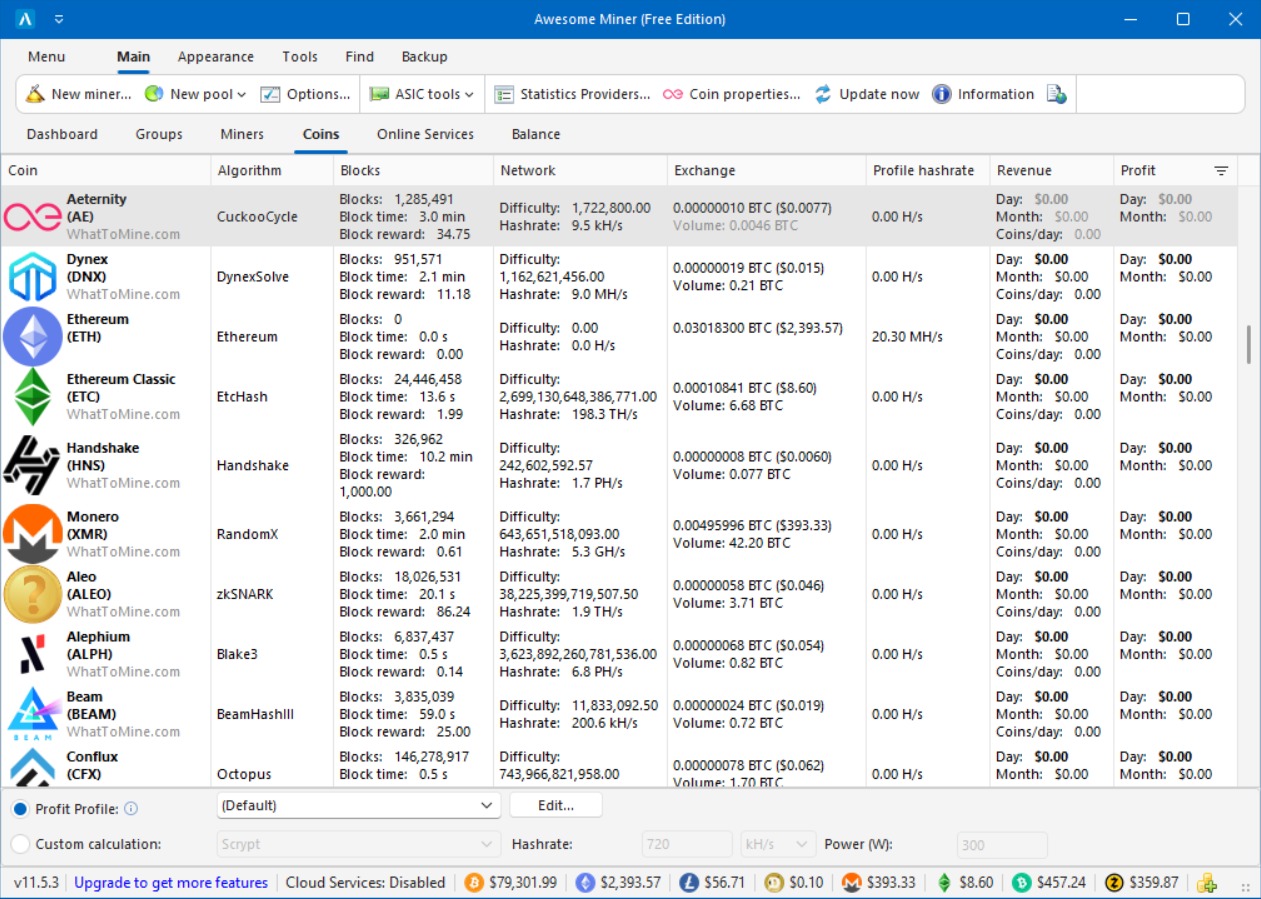
Profit switching compares configured coins and pools using current revenue data, hashrate, and power-cost settings. You can also choose a specific mining software and pool instead of using automatic switching.
Profit estimates change with coin price, network difficulty, pool fees, electricity cost, and hardware performance.
Remote components and online services
The desktop management application runs on Windows. Remote Agent supports mining on additional Windows or Linux computers, Remote Proxy connects remote ASIC sites, and Awesome Miner Server supports client-server deployments. Cloud Services provides browser-based monitoring and selected operations.
Compare the available packages on the download page or continue with the setup guide.