Next-Gen Mining Intelligence

A professional centralized platform to manage, monitor, and optimize your mining operations at scale. Maximum efficiency, zero effort.

Latest stable release: v2026.4.2

Built for Professionals

Powerful automation and monitoring tools that give you a competitive edge.

💎 Profit Switching

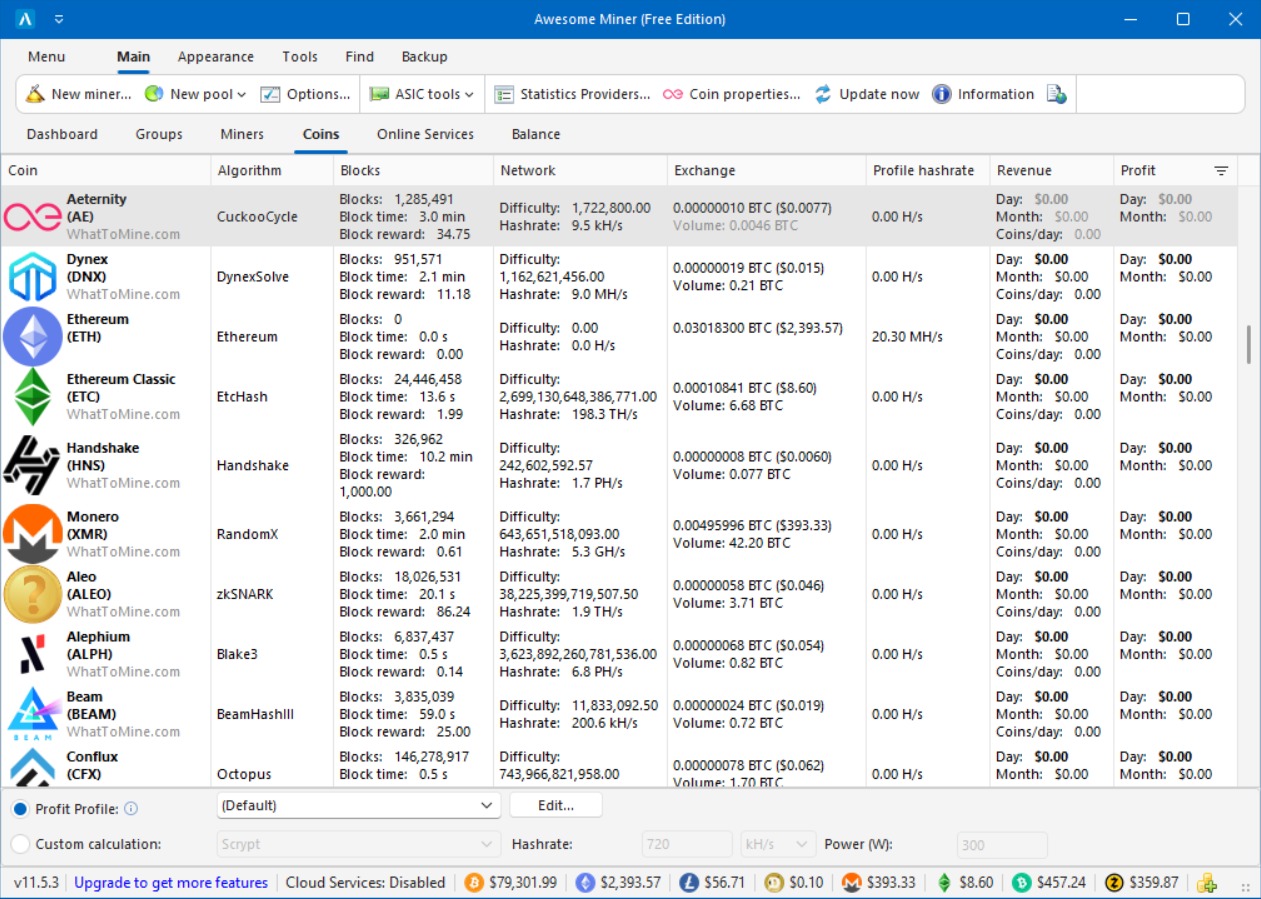
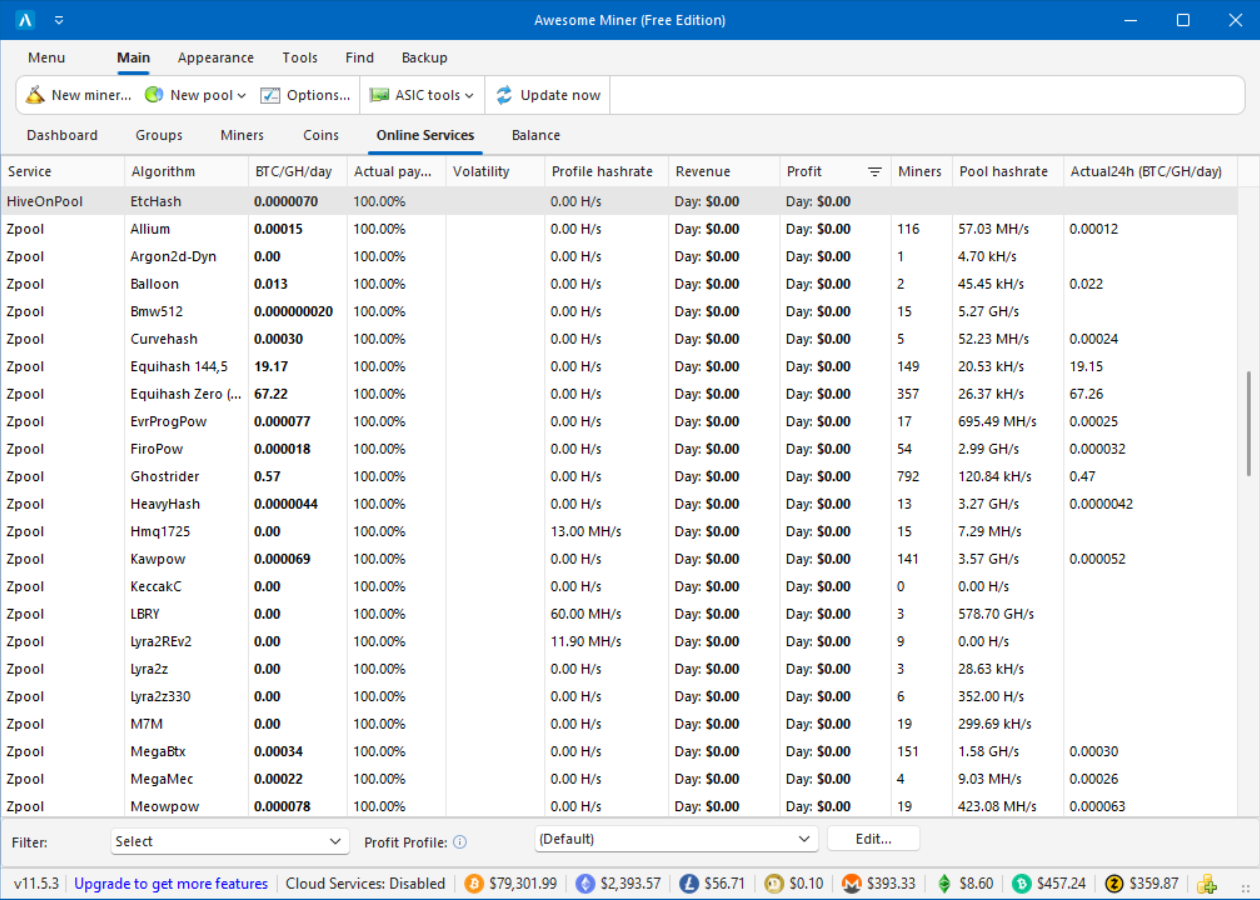
Stop mining at a loss. Our system automatically switches your hardware to the most profitable coin based on real-time market data.

⚡ Bulk Management

Update firmware, change pools, and adjust clock speeds on thousands of miners simultaneously with one click.

🛡️ Smart Watchdog

Zero downtime. Get instant alerts via Telegram or Email if a miner drops in hash rate or reaches critical temperatures.

📈 Native Analytics

Comprehensive reports on your electricity costs, revenue, and historical hardware performance charts.

🌐 Remote Dashboard

Securely access your farm from any browser or mobile device. Your entire operation in the palm of your hand.

🚀 ASIC Firmware

Unlock your hardware's true potential. Integrated support for custom firmware to boost performance and efficiency.

How to Get Started

Set up your industrial mining operation in minutes

📥
1

Download & Install

Get the Setup Wizard for Windows or Linux. It takes less than 2 minutes to install the core services.

🔍
2

Scan Network

Run Network Discovery. Our engine automatically finds every ASIC and GPU rig on your local network.

⚙️
3

Set Up Pools

Link your wallet and pools. Enable Profit Switching to automatically mine the most valuable coins.

📈
4

Monitor & ROI

Open the Cloud Dashboard. Monitor hash rate, power usage, and daily profits from any mobile device.

Experience the Power

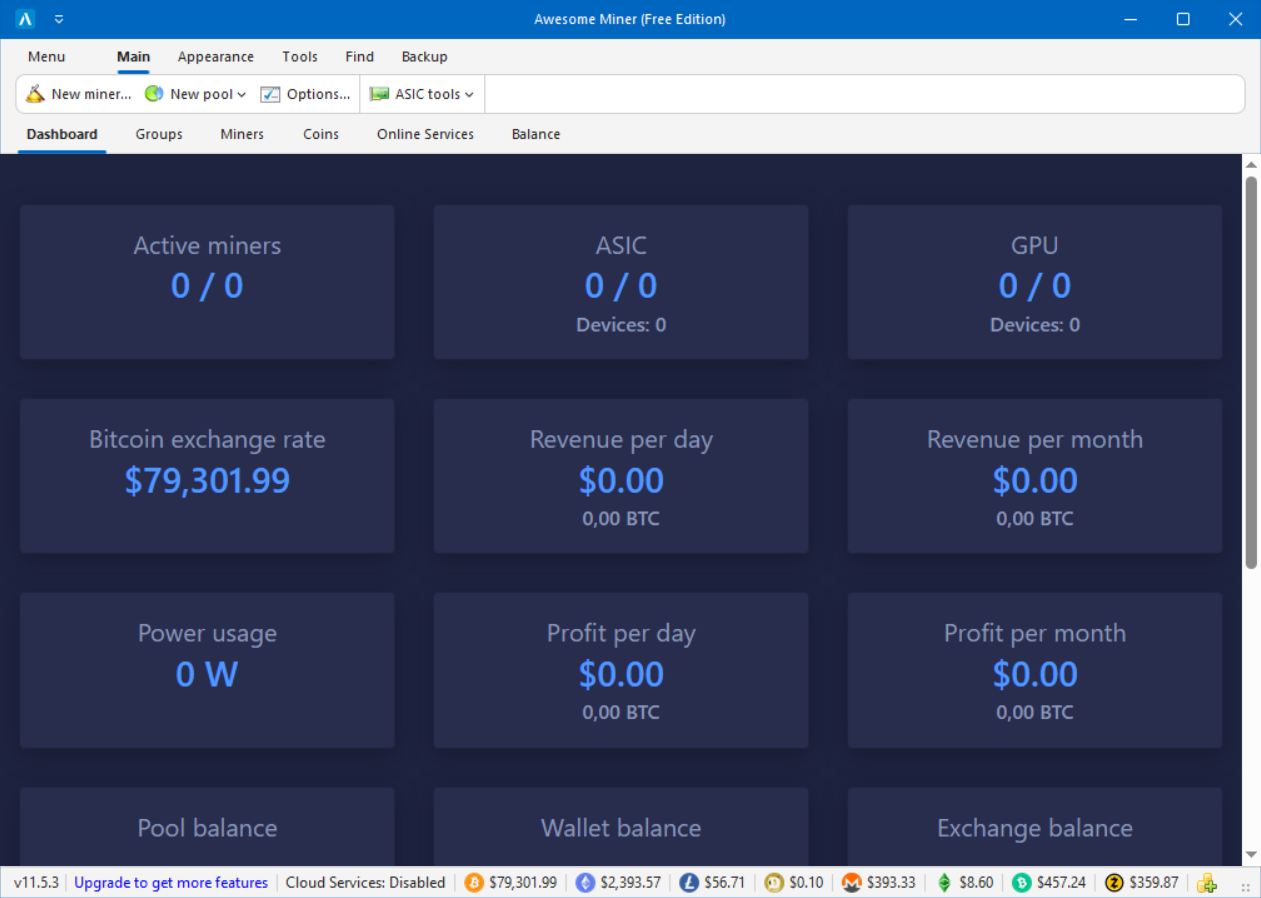
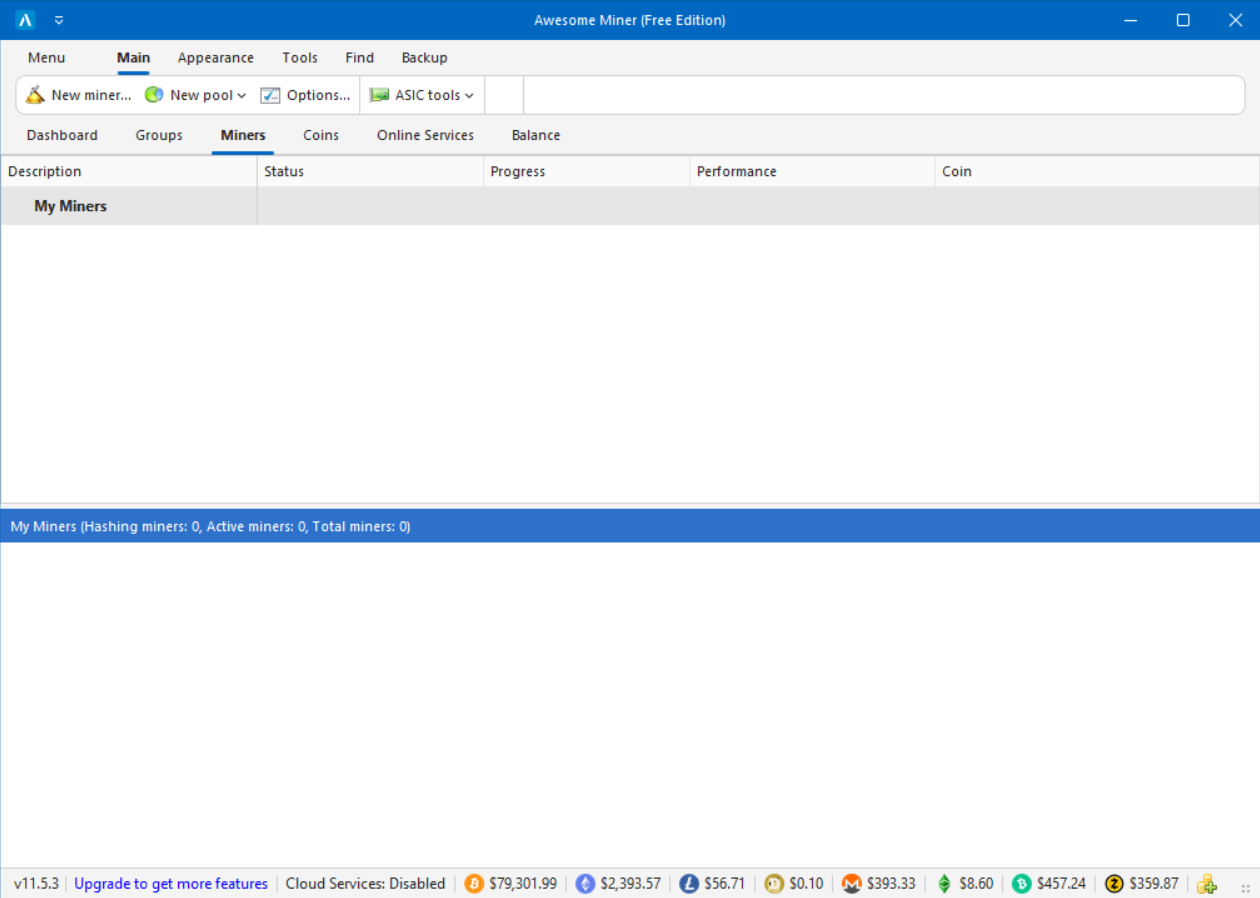
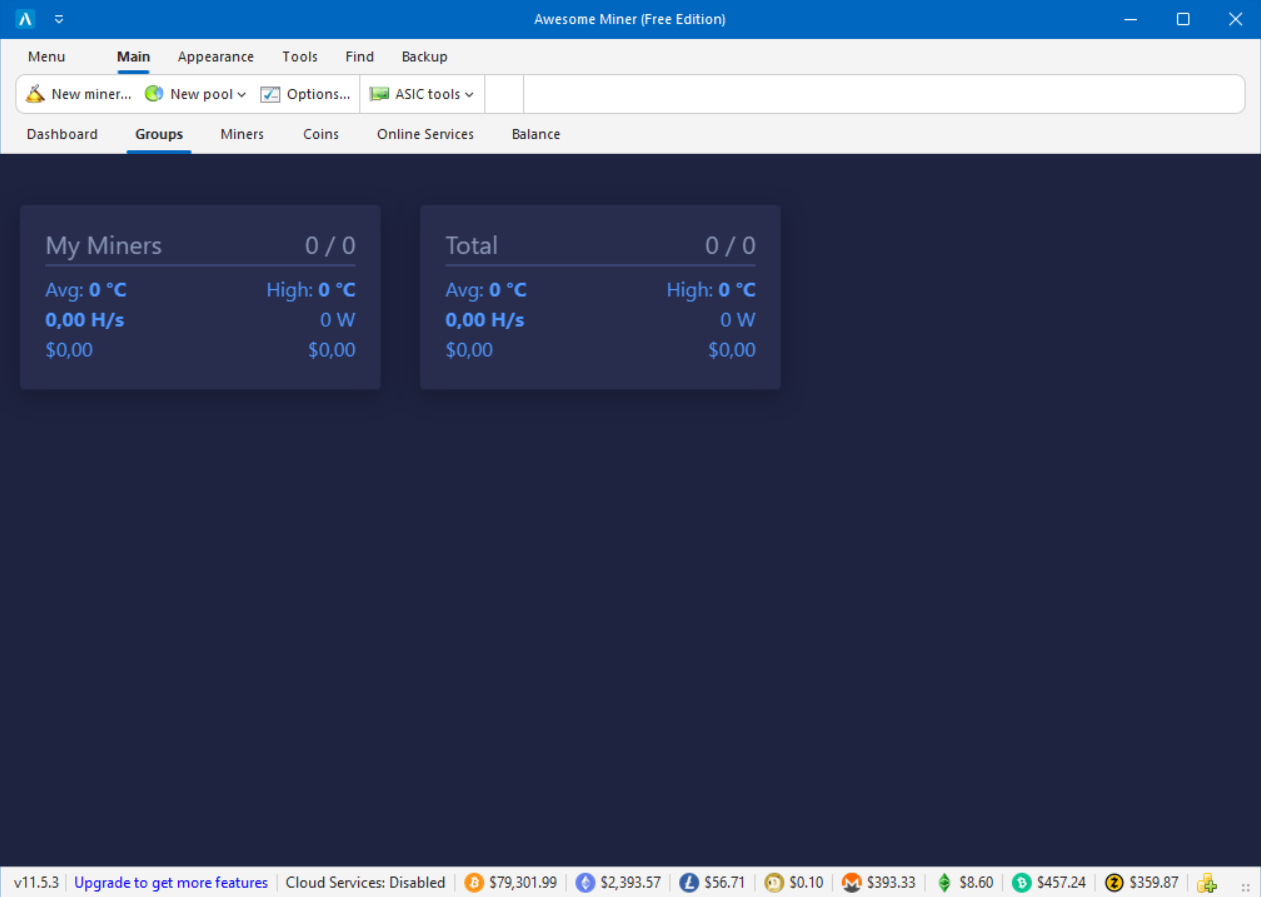
A clean, intuitive interface designed for industrial scale operations. Monitor and manage thousands of miners from one unified dashboard.

AwesomeMiner Interface Overview
Hardware Management
Analytics and Reporting
Rules and Notifications
Profit Switching Interface

Main Overview

1 / 5

Complete farm overview. The powerful side menu gives you instant access to all features, including GPU and ASIC management, rules engine, and statistics.

Powerful Intelligence

Explore the advanced features that make Awesome Miner the industry standard.

🔔 Notifications and Recovery
📁 Organize Miners
📊 Dashboard & History
💰 Profit Switching
🛡️ Secure On-premise
Enterprise Ready

Secure On-premise Solution

Awesome Miner runs entirely on your infrastructure and your network. Your critical mining operations do not depend on any external services.

The software is digitally signed and Microsoft SmartScreen approved, ensuring a trusted and secure environment.

Hardware Tuning

Unlock Your ASIC's True Potential

See how our native firmware optimizes the most popular hardware on the market. Choose your strategy below.

Antminer S19 Pro

Stock: 110 TH/s @ 3250W

Hashrate 110 TH/s
Power 2600 W
-20% Power Usage

Antminer L7

Stock: 9050 MH/s @ 3425W

Hashrate 9050 MH/s
Power 2850 W
Unbeatable Efficiency

Whatsminer M30S++

Stock: 112 TH/s @ 3472W

Hashrate 112 TH/s
Power 3100 W
-10% Power Usage

Frequently Asked Questions

The general concept is to first install the Awesome Miner software, then add the ASIC miners via a network scan using the Setup Wizard. For more details, see our step-by-step guide on getting started with ASIC mining.

Awesome Miner is compatible with all standard compliant ASIC miners. This includes almost all popular models on the market, such as Antminer, Whatsminer, Avalon, and Innosilicon.

The easiest way is to use the Profit Switcher. Awesome Miner will automatically select the most profitable coin based on real-time market data. Alternatively, you can manually select mining software and pools for full control.

Yes! By using Awesome Miner Cloud Services, your monitoring statistics are pushed to the cloud. You can access your Cloud Dashboard from any mobile device to monitor hash rate and profits. No firewall configuration is required.

The main user interface requires Windows. However, the Awesome Miner Remote Agent and the server component can run on both Windows and Linux. It also connects to software running on EthOS and HiveOS.

In the Options dialog of Awesome Miner, go to the Service section. From here the service can be installed and started.

Go to the Options dialog, Advanced section, and verify that the API timeout is set to 20 seconds. Some miners are slow and require a larger timeout.

We take absolutely no mining fee. We don't steal any of your mining hash rate.

The software is built to scale and can manage up to 10,000 miners from a single user interface.

The software provides a comprehensive HTTP API to allow integration from external applications.

The HTTP API requires the Cloud Services subscription to be used.

There is no built in limit in the software. It depends on the hardware of the computer where Awesome Miner is running.